Frequently asked questions - Login
I have forgotten my login password
Visit the password self-service portal and identify yourself with your email address and the mobile phone registered in SUPR:
If this fails, call LUNARC support on +46 (0)46-222 4454 from your registered mobile phone. Additional questions will be asked to verify your identity.
I cannot log in after installing a Pocket Pass token
This is almost always caused by missing the final activation step. To activate your token, go to the self-service portal, open the Tokens tab, choose Activate, and follow the instructions.
I have persistent problems connecting after entering my One Time Password (OTP)
Your Pocket Pass token may have expired. Check the expiration status of your token and register a new one if needed.
I do not get prompted for a One Time Password (OTP) after entering my password
Make sure you entered the correct password — reset it at the password self-service portal if unsure. If the problem persists, your Pocket Pass token may need to be re-registered. Visit the self-service portal to do so.
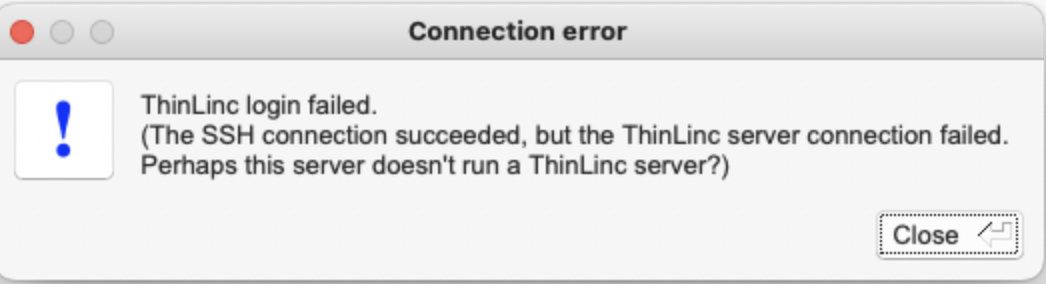
My ThinLinc login is failing ("The SSH connection succeeded, but the ThinLinc server connection failed")
You are most likely using the wrong server name:
| Method | Server |
|---|---|
| SSH | cosmos.lunarc.lu.se |
| ThinLinc (HPC Desktop) | cosmos-dt.lunarc.lu.se |
Can you send my one-time password to my new mobile phone number?
Update your phone number in SUPR first, then raise a support request so LUNARC can update its internal database.
Author: Joachim Hein (LUNARC)
Last Updated: 2024-11-13 (Marcos Acebes)